Nestr is built to fit the way your organisation already works, rather than asking your organisation to fit Nestr. Almost everything you see can be shaped to match your structure, your language and your needs. This page maps out what you can customise, with a link to a step-by-step guide for each area.
Some changes affect only you. Others change the workspace for everyone. We have noted which is which next to each one.
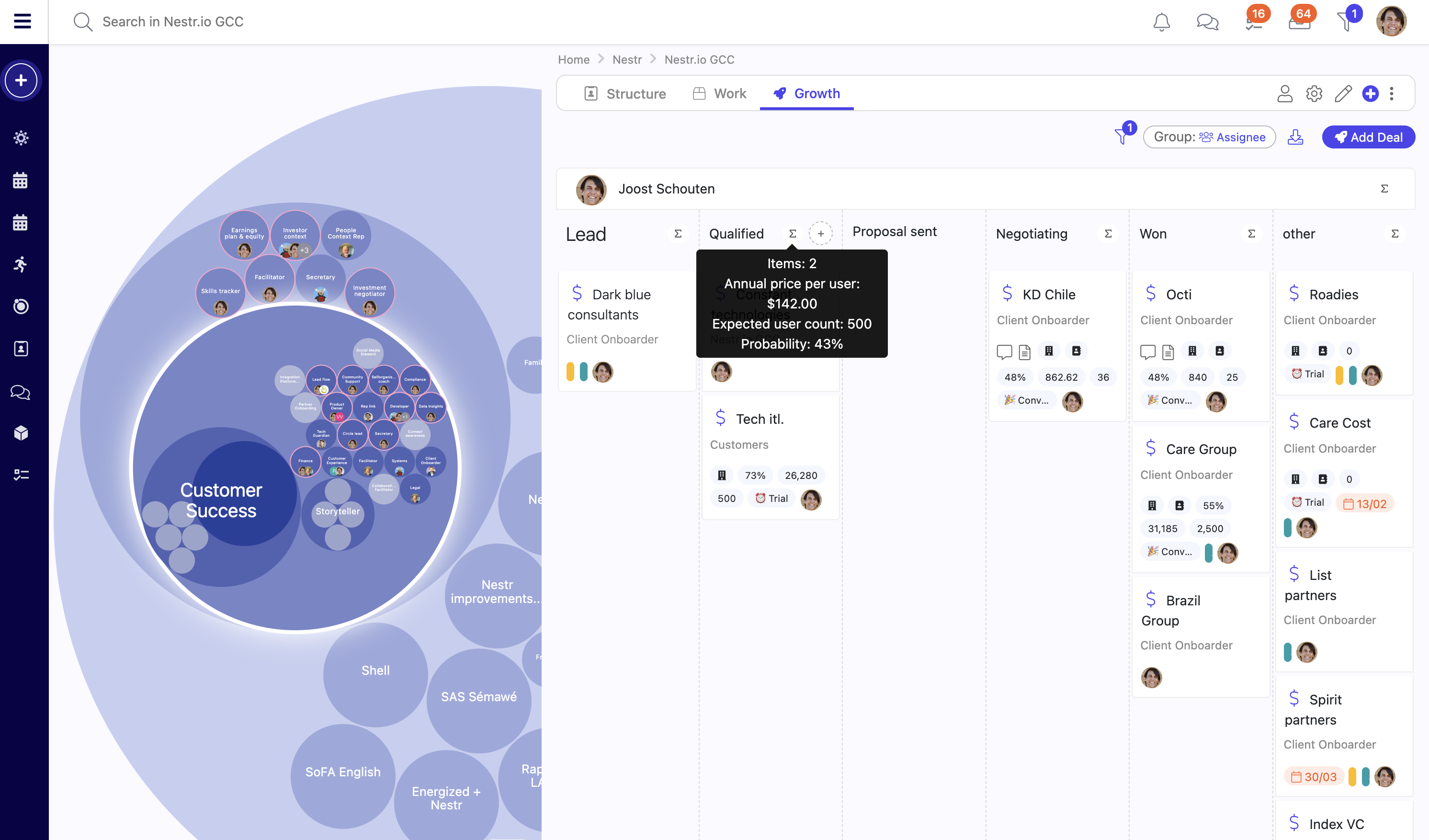
Customize Nestr to suit your needs. Use custom fields, tabs, labels and views to create the right setup for your organisation.
Shape what you see
Apps: turn features on or off so you and your team only see what is relevant. (Affects everyone)
Views: switch between a list and grouped columns, then group, filter and sort. Nestr remembers how you left each list. (Just you)
Tabs: reorder the built-in tabs, hide the ones you do not need, or add tabs that show a saved search or a block of text. (Affects everyone)
Labels: categorise anything, with personal labels just for you and shared labels for the whole workspace. (You and everyone)
Shape the structure and meaning
Fields: add the data you care about, such as text, dates, dropdowns and currency, to any type of item. (Affects everyone)
Your way of working: choose the self-organisation framework that fits, from Holacracy to Sociocracy to your own approach. (Affects everyone)
Your words: rename labels and translate them into your team's languages, including accountabilities and domains. (Affects everyone)
Role templates and core roles: define a role once and reuse it, as a core role every new circle receives or as a starting point in a proposal. (Affects everyone)
Shape who can do what
Rights and access: control what your members can see, edit and create, down to individual labels and fields. (Affects everyone)
Notifications: choose what reaches you and how, across in-app, email and push. (Just you)



.png)


