
Nestr is built to support multiple self-organisation frameworks. Whether you practice Holacracy, Sociocracy, Sociocracy 3.0, or a custom approach, Nestr adapts to your governance rules.
When setting up your workspace, a workspace admin chooses the governance model in Workspace settings → Applications under the Self Organisation app:

Nestr's governance meetings follow the Holacracy facilitation process:
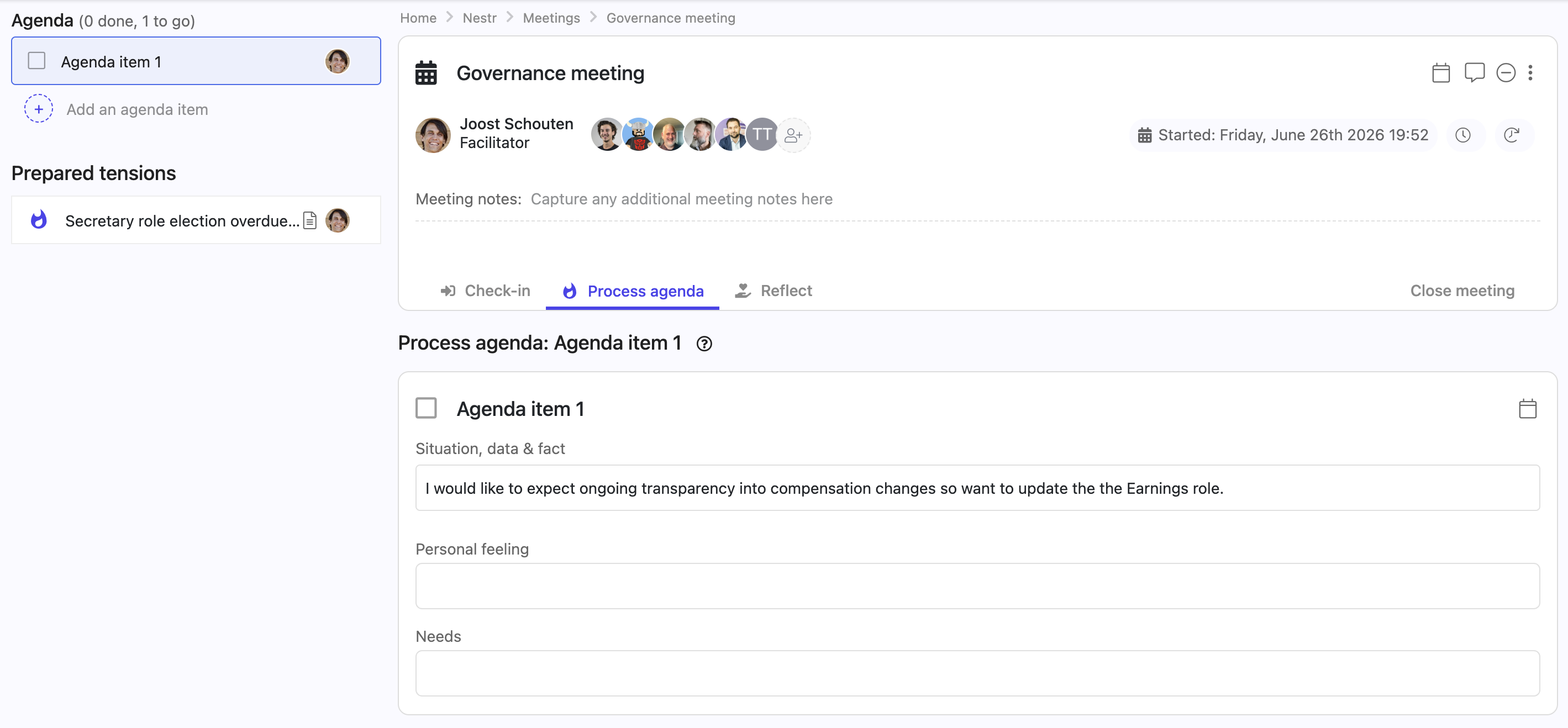
Holacracy tactical meetings include: check-in → checklist review → metrics review → project updates → tension processing → closing.
Electable roles (Facilitator, Secretary, Rep Link) can be filled through the Hold election option in a governance proposal. The election follows the IDM (Integrative Decision Making) process.
Each circle automatically gets: Circle Lead, Facilitator, Secretary, and Rep Link. These follow the Holacracy constitution definitions.
When Sociocracy is selected, governance proposals use a consent process: the proposal is shared, members can raise objections (not just disagreements — reasoned objections that the proposal would cause harm), and the group integrates objections until consent is reached.
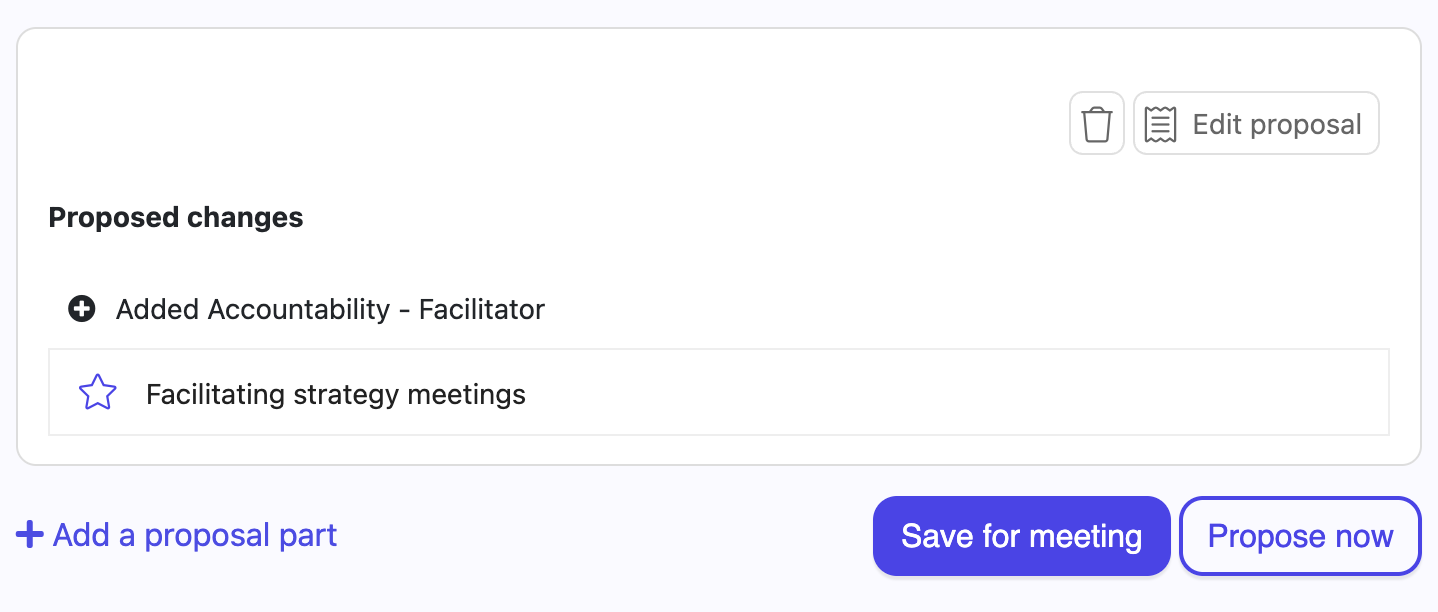
For proposals that don't need a meeting, use Propose now to run an asynchronous consent round. Each circle member responds with "No objections" or "Escalate to meeting". See Tensions & governance proposals for details.
Sociocratic rounds (speaking in turn) are supported through the check-in and reflection tabs in meetings.
A delegate circle brings together representatives from multiple circles. To set one up in Nestr:
In workspaces with governance enabled, structural changes (new roles, modified accountabilities, etc.) are routed through the governance proposal process. Non-admin users will see "Create proposal" instead of direct creation buttons, ensuring changes go through the consent process.
[SCREENSHOT #4]


.png)


