
Connectors give an AI agent governed access to the systems your organisation already runs on: mail, calendars, documents, code, tickets, CRM and accounting. They are what turns an agent from something that can only talk about your work into something that can do it.
The design principle is simple. Nobody shares a credential with an agent. An admin decides which data sources exist and how broadly they may be owned. Governance decides which roles get them. The secret itself lives in an external vault, never reaches the agent, and every use is recorded. That is what makes agent access to third-party data an enterprise-grade decision your organisation can audit and revoke, rather than an API key pasted into a prompt.
Nestr ships ready-made connectors for the tools most organisations already use. Adding one is a matter of picking a tile: the endpoint, the transport, the authentication method and the OAuth client all come with it, so there is nothing to research or paste in.
A few connectors need an OAuth client that your deployment supplies. Those appear once an admin has configured one, so the tiles you see are the connectors your workspace can add right now.
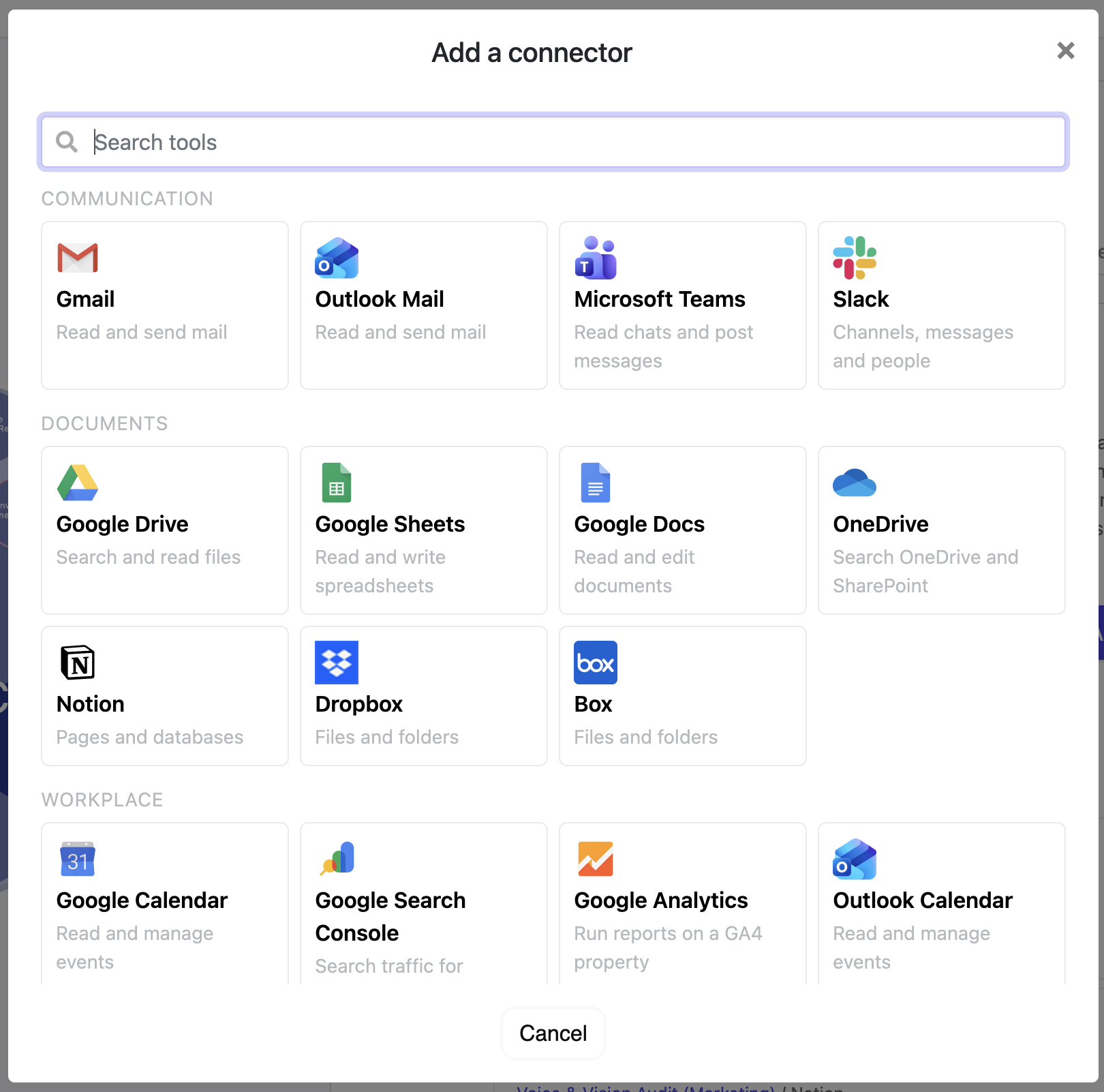
The catalogue is a convenience, not a boundary. You can register a custom connector against any HTTP API or any Model Context Protocol server your organisation runs, including internal systems that will never appear in anyone's catalogue.
A custom connector carries the same governance as a ready-made one: the same ownership model, exposure controls, vaulted credentials and usage record. Registering one is an admin action, and it is where you point Nestr at your own ERP, data warehouse or in-house service.
Connector access is a three-part gate, and each part answers a different question.
This is deliberately not one permissions screen. Deciding the organisation may reach Xero at all is a different decision from deciding which role reaches it, and deciding who may point an agent at it is a third. Different people make them, at different moments, and each one is recorded where it belongs.
Exposure is re-checked every time a credential is handed out, not only when access is granted. An admin who switches a connector off for role domains stops it flowing through bindings that already exist, rather than merely blocking new ones.
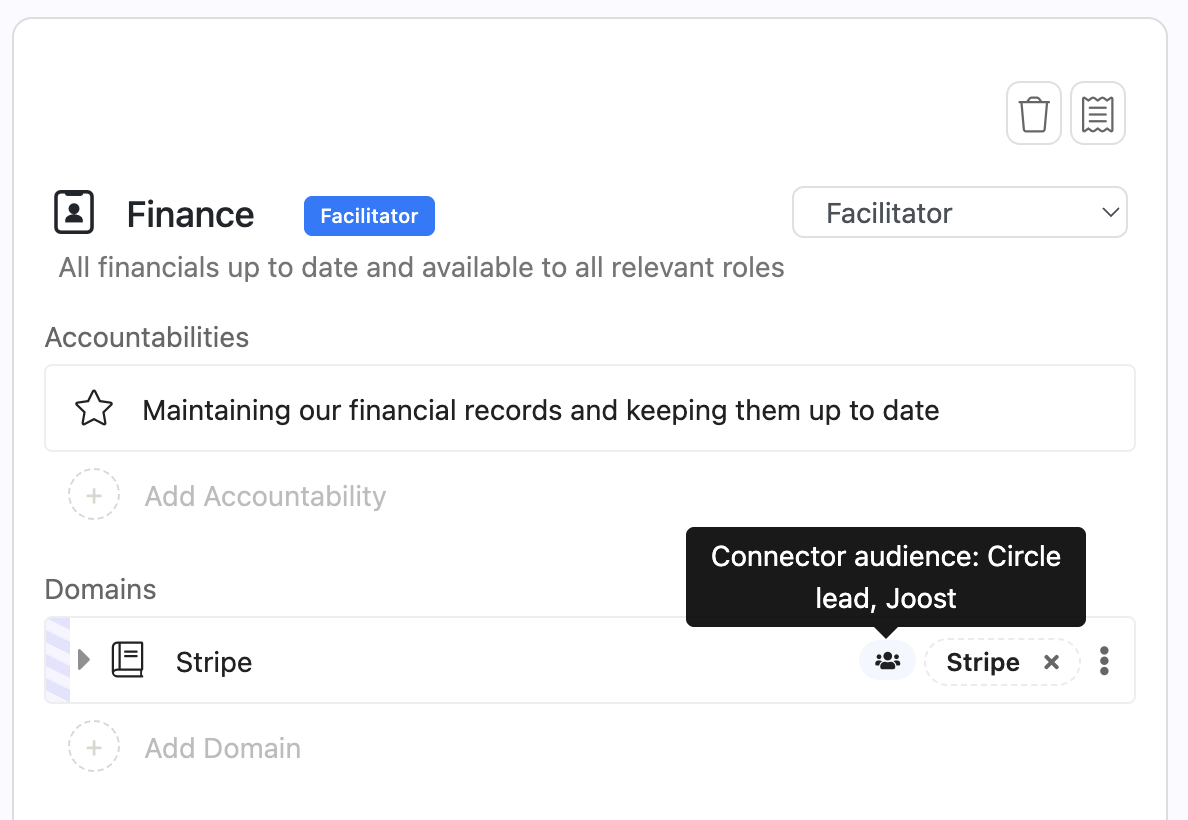
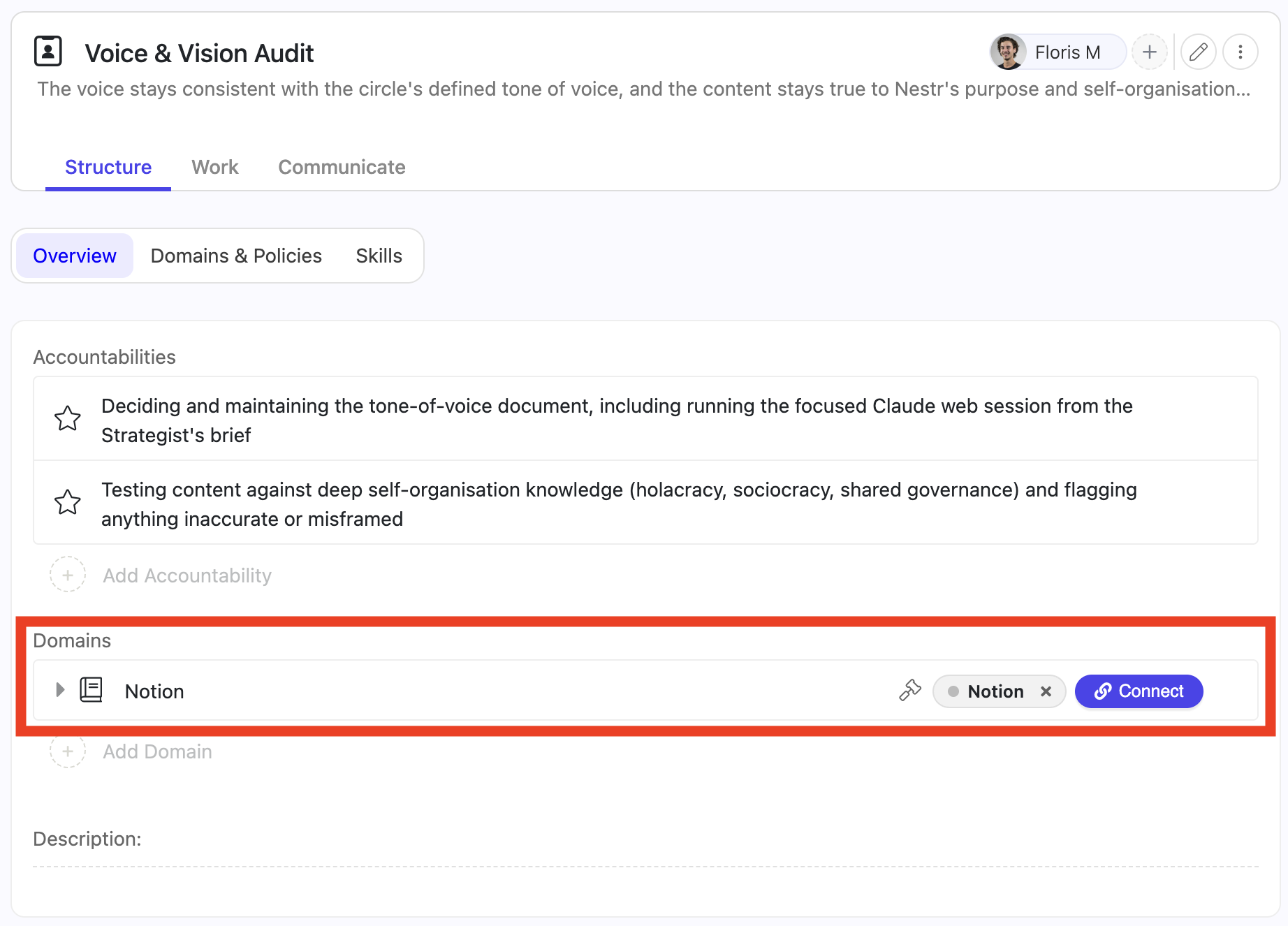
A connector on a role domain is the role's access, not an open door to the agent filling it. Each credentialed domain carries an Audience: the people who may get an agent in that role to use that connector on their behalf. It sits on the domain beside the connector it applies to, and appears once a connector has been chosen.
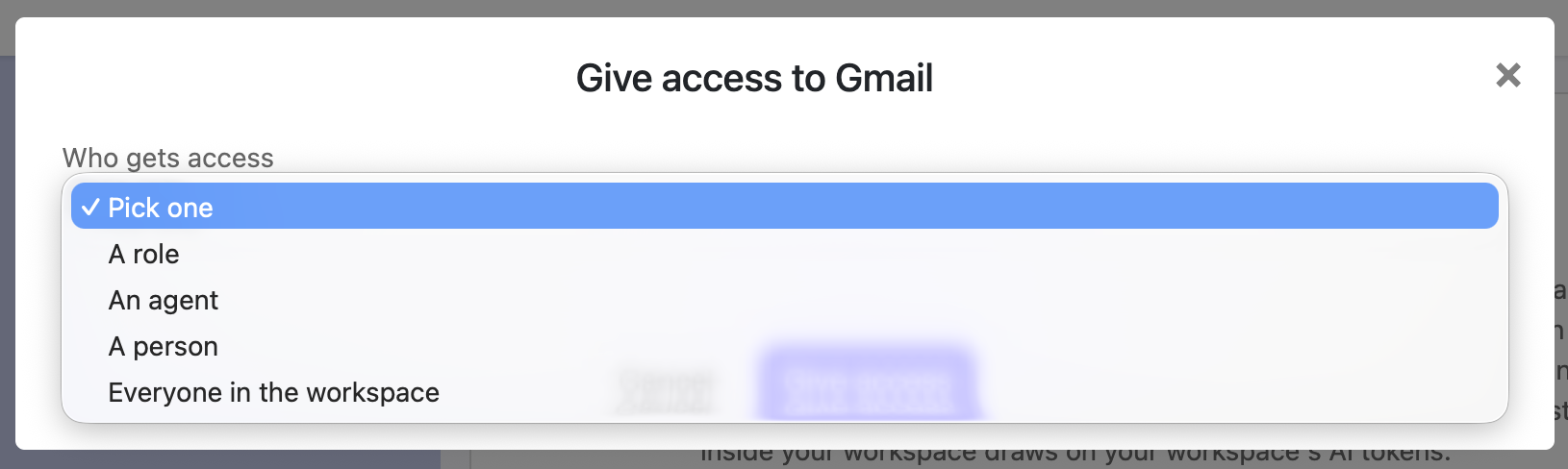
The audience starts as everyone in this workspace. Narrow it by picking any combination of:
Start typing to find a role or a person. Entries add up: anyone matching one of them may ask. "Everyone in this workspace" is the exception, because it is the widest entry and cannot narrow anything. Add a role or a person beside it and everyone drops out; add it back to a narrowed list and it replaces the list.
The audience is set per domain, so a role holding two connectors can answer to different people for each. A Sales role might take a CRM request from anyone in the workspace while its invoicing connector answers only to Finance. On the role page, the domain row shows a people icon; hover it to read the audience without opening the domain.
It governs one thing: an agent filling the role, acting for somebody who asked it to. Three cases sit outside it, and all three are deliberate.
When somebody outside the audience asks, the agent does not get the connector, and it says so rather than inventing a reason. It names who fills the role and who can widen the audience, so the request turns into a question for a person instead of a dead end.
None of this is an instruction the agent is asked to follow. Exposure, the governance binding, live role membership and the audience are all evaluated on the server before the agent runs, and the agent is handed only what survived.
Ask an agent for something the audience excludes and that connector is simply not among its tools. It is not in the tool list, its operations are never described to the model, and no credential is minted for it. There is nothing to call and nothing to leak, so a persuasive request, a confused chain of reasoning, or an instruction buried in a document the agent reads cannot get at it. The agent is not being trusted to respect the audience. It never receives what the audience leaves out.
The connectors that do survive carry no secret either. The agent is given a single-use handle, valid for that one run and bound to the identity it was resolved against, and the secret is fetched at the moment of use and never passes through the model. A handle repeated later, or somewhere else, is worth nothing.
The whole check runs again on every request, not once at setup. So access follows the organisation as it is now: someone leaving a role, an audience narrowed this morning, or a connector an admin has just switched off all take effect on the next message. Widening what an agent may reach is a governance edit on the domain, visible and recorded like any other. Nothing an agent is told, and nothing it decides, changes it.
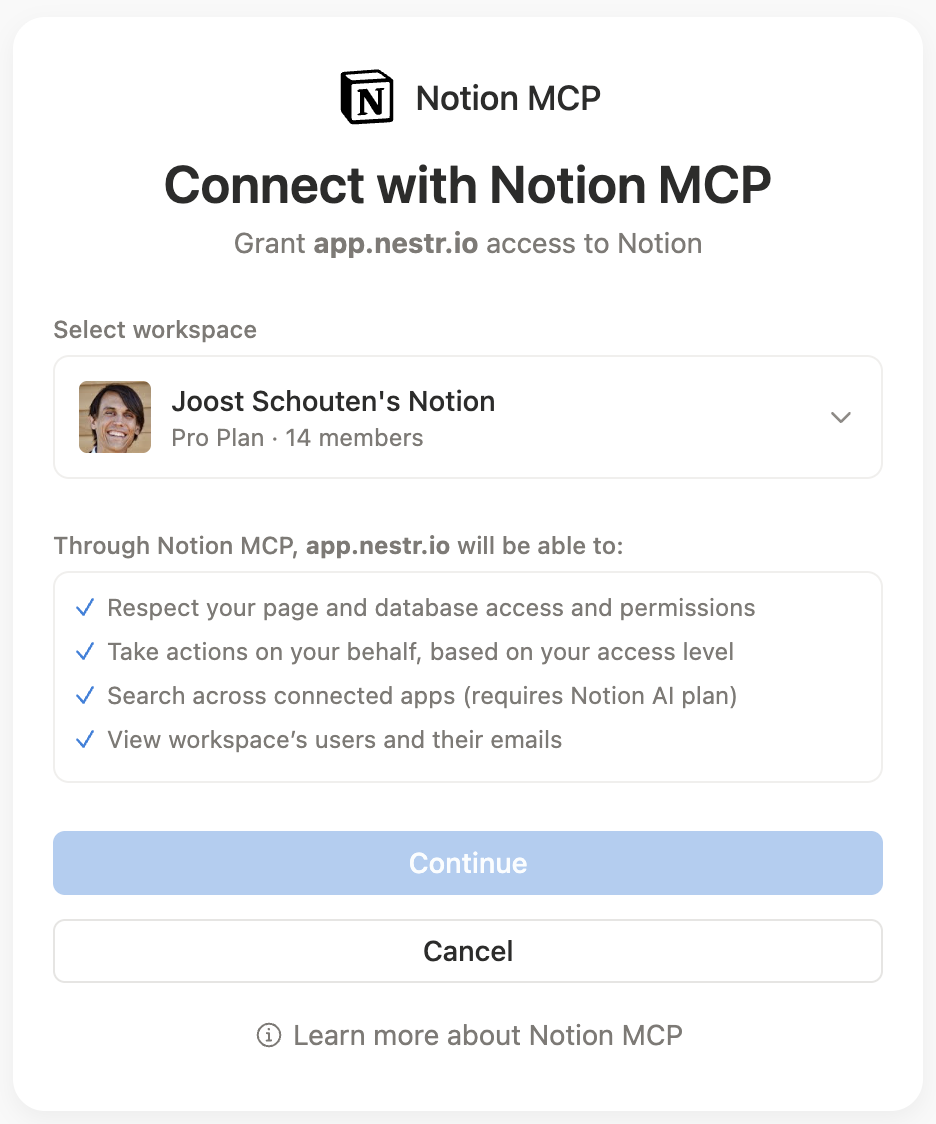
Granting access does not connect anything. The person whose account it is still has to sign in, and that consent is theirs to give.
Only the resulting tokens are kept, in an external secrets vault. They are never stored in the Nestr database and never travel to the agent. When an agent needs a connector, it receives a single-use handle rather than a secret, redeems it at the moment of use, and the exchange is written to a usage ledger.
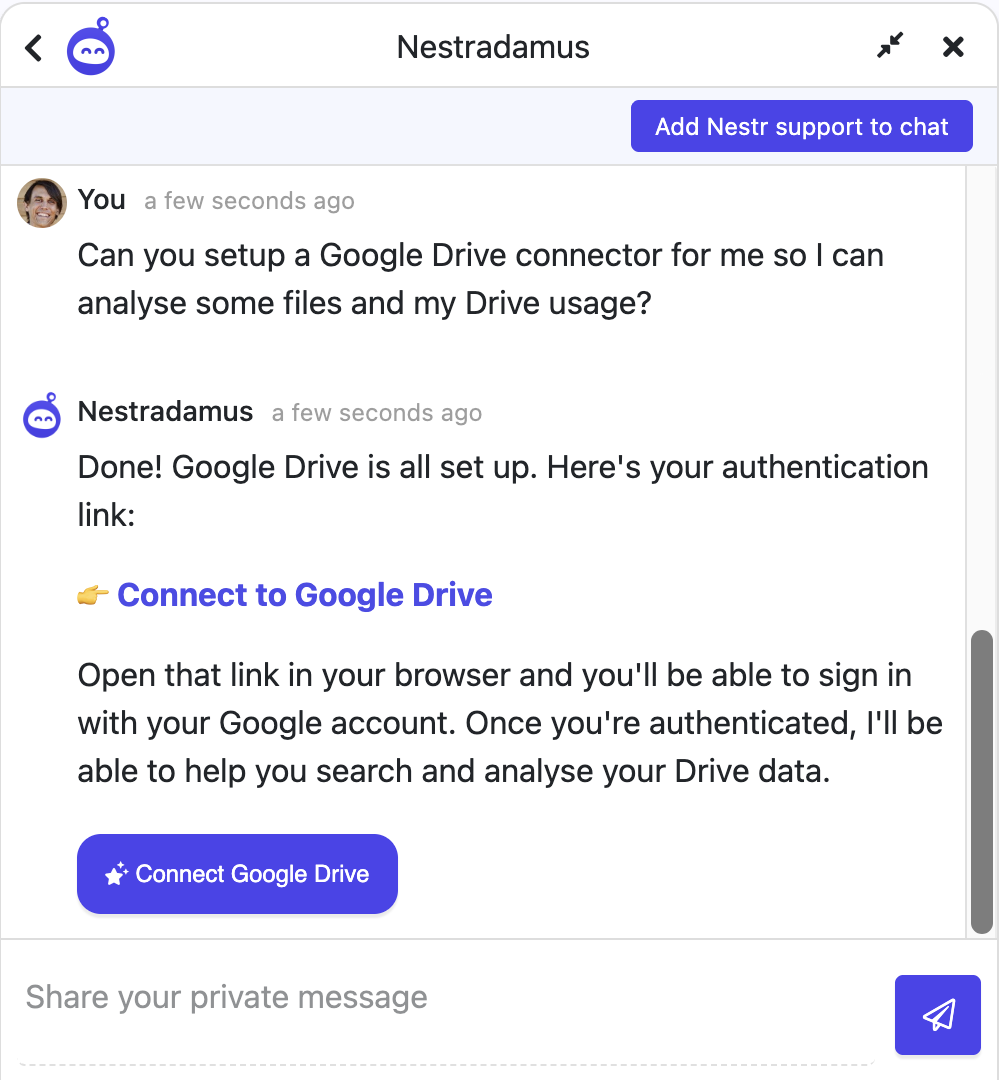
You do not have to do any of this from the settings screens. Ask the assistant in plain language and it will walk the setup with you:
Can you set up a Gmail connector for our Sales role?
It will find the right template rather than guessing at an endpoint, ask who should have access, register the connector, bind it, and hand you back the connect link to sign in with. If a connector already exists it will say so instead of creating a second one.
The assistant works within your permissions here as everywhere else. If you are not a workspace admin it can prepare the request and tell you who can approve it, but it cannot grant access you do not have. See Nestradamus.
A connector can require a person to approve before an agent acts. The policy is set per connector: approve nothing, approve writes, or approve everything. You can also name specific operations that always need a person.
When an agent hits a gated action it pauses and asks in the conversation, naming what it wants to do. Somebody with the authority to answer approves or declines, and the run resumes from there. The agent does not proceed on silence.
This is human-in-the-loop control in practical form: not a blanket switch, but a per-connector dial you turn up where a mistake is expensive and leave off where it is not.
Every credential handout is written to a usage ledger: which agent, which connector, on whose authority, and when. Combined with governance lookback, that gives you two complementary histories: what changed in your organisation, and what your agents reached outside it.
This matters beyond good practice. If you are working towards EU AI Act obligations, traceability and human oversight are not features you add at the end, and role-scoped access with a per-use record is most of what an audit asks for.
Access can be withdrawn at three levels, and each takes effect immediately:
Because a role-domain connector belongs to the role rather than to a person, someone leaving a role loses that access as a consequence of governance, with nothing to remember to revoke.


.png)


