
Nestr has a Discord bot integration that allows you to post messages to a Discord channel from within Nestr. Here's how you do it:
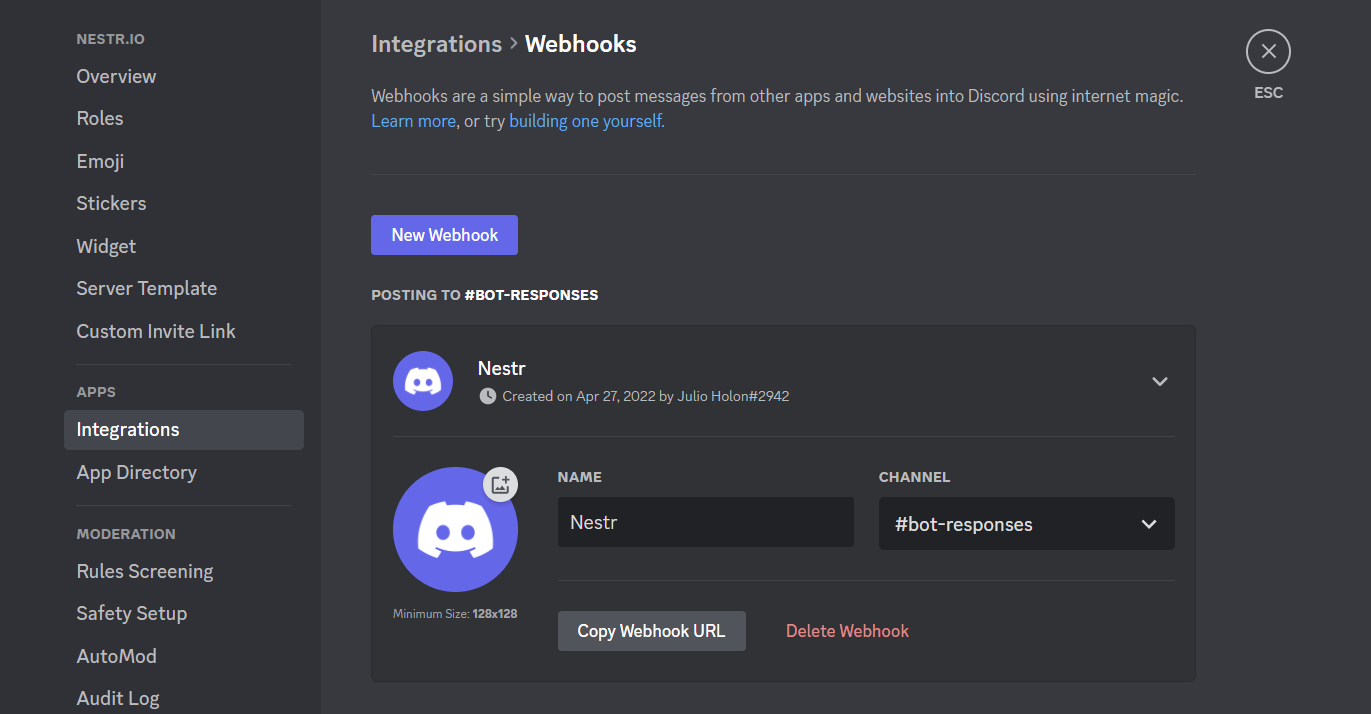
Once connected, you can post to a Discord channel from within Nestr by clicking the three dots on any item, selecting the Discord option and selecting the Discord channel you want to post to.


.png)


