One of the coolest new features of Nestr allows Decentralized Autonomous Organizations to link their existing DAO software to a Workspace, so you can track the DAO Proposals and use all the power of Nestr to manage them, like bind them to Projects, Tasks Circles or Roles, allowing one to track where the funds are being used and their status more clearly.
For now the types of DAO currently supported are: Aragon, DAOHaus and HyphaDHO.
You can start by creating a new Workspace, and selecting DAO:
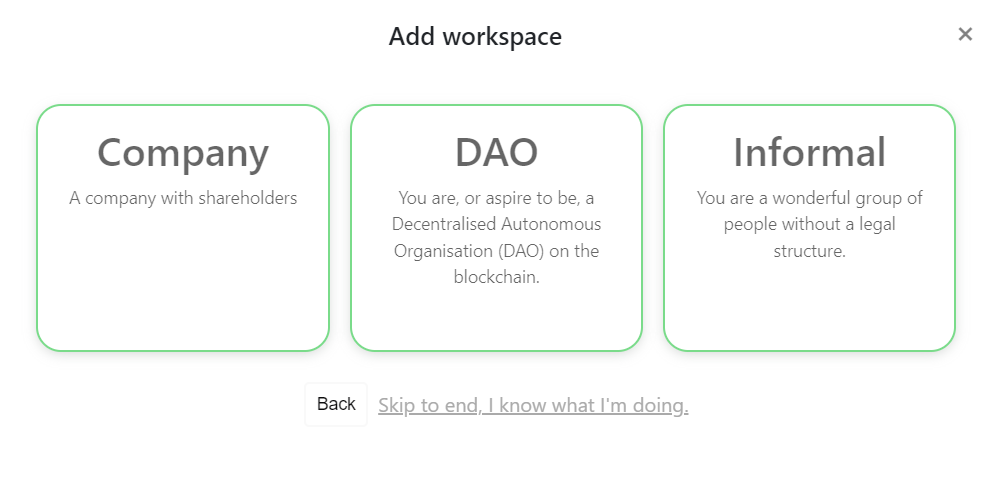
If you already have an existing workspace you wish to integrate with your DAO, you will need to enable the DAO app by going to your workspace settings page by clicking the settings icon on the right top of your workspace.

On the workspace settings page go to the 'Applications' tab and enable the DAO app.
Then, after finishing the Workspace wizard or enabling the DAO app, your workspace is ready for DAO integration.
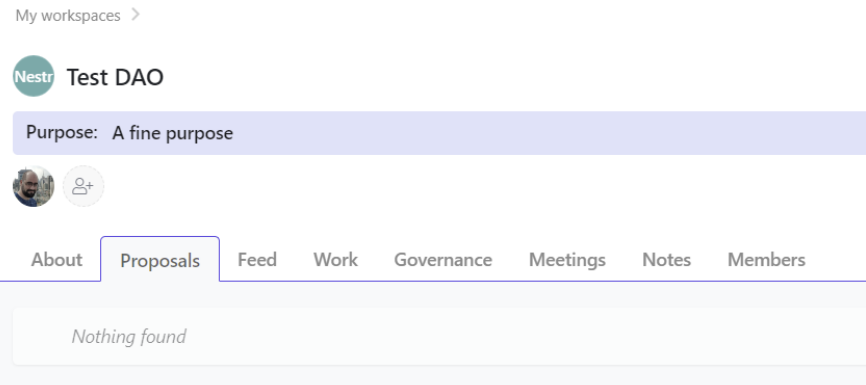
Next step is adding the DAO type, network and address, on the About tab:
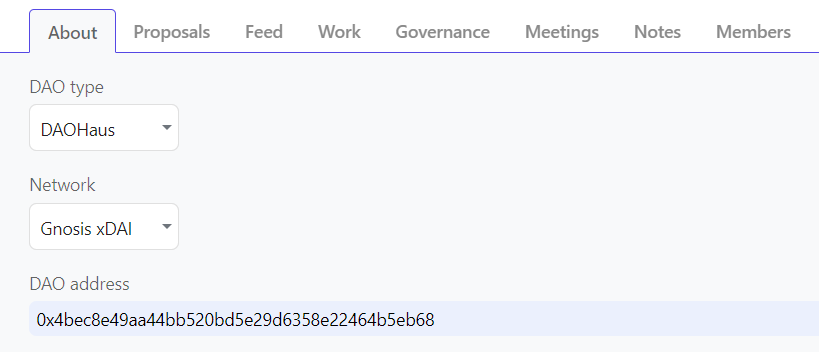
For ethereum based DAOs (Aragon, DAOHaus) you can use the 0x based DAO contract address, for Hypha DHO you should use the 12 character DAO account shortname that is usually on the DAO URL address.
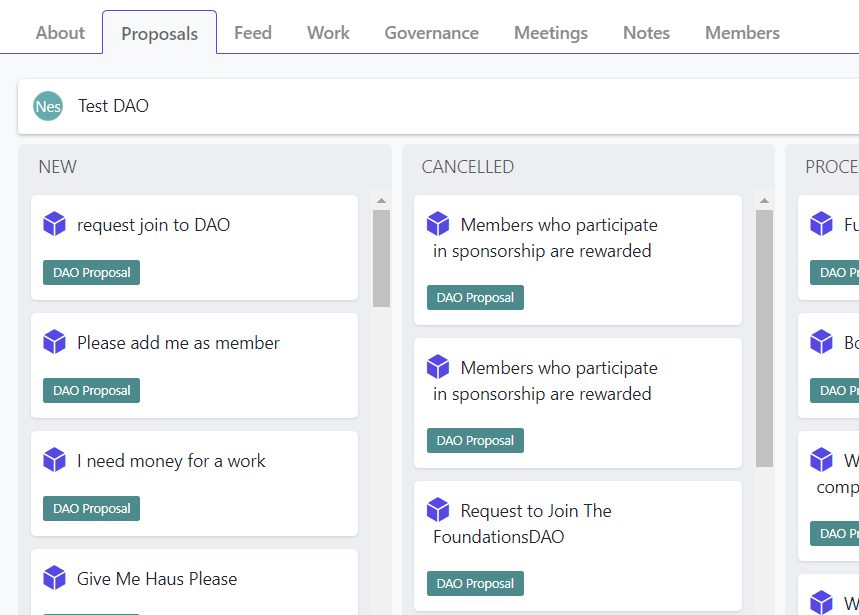
After a few minutes, the DAO scrapper will scan the existing DAO proposals and show them on the Proposals tab:
If you click on a Proposal you can see all blockchain details for them, like requested tokens, assignee, number of votes, etc. And you can also click the link the visit the original proposal on the DAO:
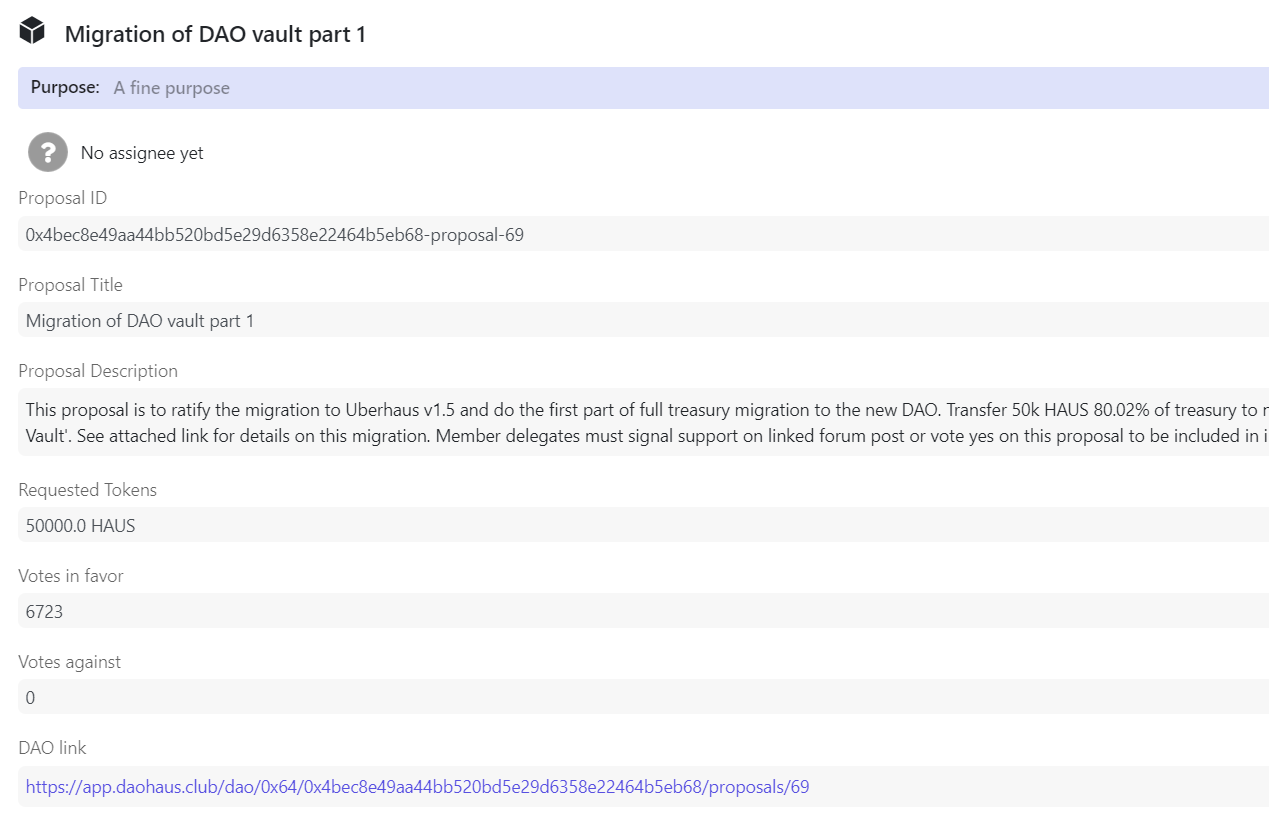
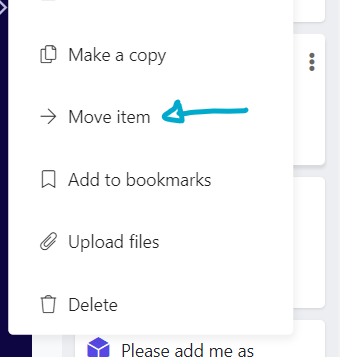
Now you can click on any Proposal and move them inside an existing Role or Project, like this:
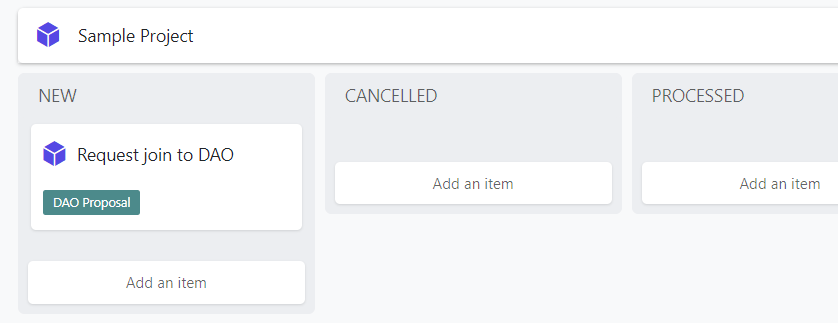
Then your proposal will show like this:
You can also see the proposal attached to the Project if you click inside it:
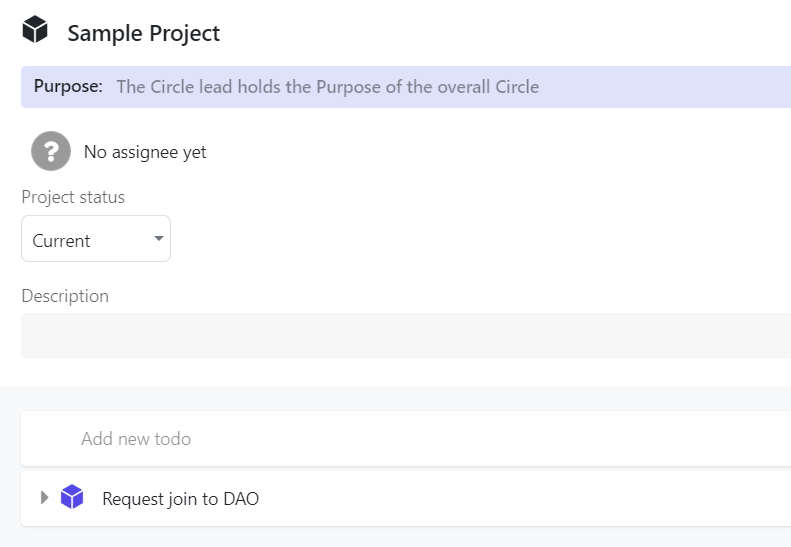
This allows you to track the usage of the DAO resources tied to a Project or Role, to give more clarity and accountability!


.png)


